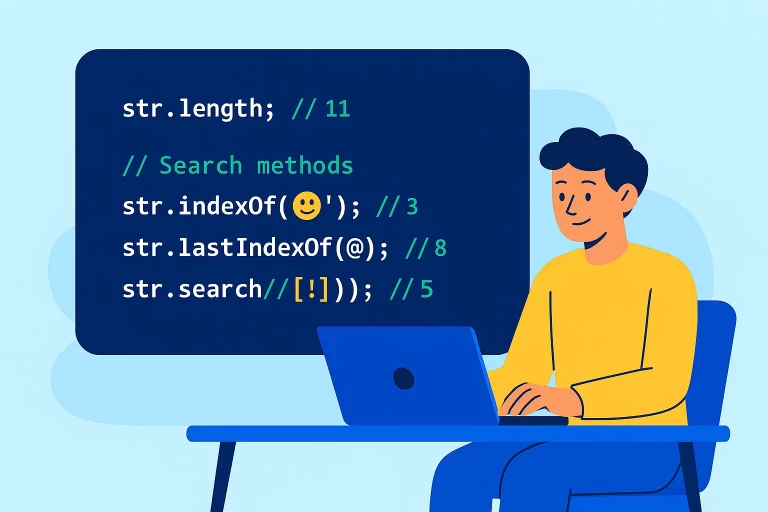
JavaScript String Length & Search Methods
JavaScript String Properties and Methods
Although strings are primitive data types in JavaScript, they behave like objects when executed, allowing access to properties and methods.
Key Point: JavaScript strings are primitive types, but when executed, they behave like objects with properties and methods.
The Length Property
Using the Length Property
// Declare a string
let str = 'IT technologies';

// Get the length of the string
console.log(str.length); // 14

// The length property returns the number of characters in the string
let emptyStr = '';
console.log(emptyStr.length); // 0
String Search Methods
indexOf() and lastIndexOf() Methods
let testStr = 'this is a test';

// indexOf() searches from the beginning
console.log(testStr.indexOf('is')); // 2

// lastIndexOf() searches from the end
console.log(testStr.lastIndexOf('is')); // 5

// Both methods return -1 if the value is not found
console.log(testStr.indexOf('xyz')); // -1

// You can specify a start position
console.log(testStr.indexOf('is', 5)); // 5 (starts searching from index 5)
console.log(testStr.lastIndexOf('is', 4)); // 2 (searches backwards from index 4)
The search() Method
Using the search() Method
let testStr = 'this is a test';

// search() works similarly to indexOf()
console.log(testStr.search('is')); // 2

// search() can use regular expressions
console.log(testStr.search(/is/)); // 2
console.log(testStr.search(/[a-e]/)); // 8 (finds first character between a-e)

// Unlike indexOf(), search() doesn't accept a start position parameter
// testStr.search('is', 5); // This is not valid
Comparison: indexOf() vs search()
Key Differences
| Feature | indexOf() | search() |
|---|---|---|
| Accepts start position | Yes | No |
| Supports regular expressions | No | Yes |
| Returns on failure | -1 | -1 |
Practice Questions
Question 1: Explain indexOf() and lastIndexOf()
Both methods search for a substring within a string and return the index position. indexOf() searches from the beginning to the end, while lastIndexOf() searches from the end to the beginning. Both return -1 if the substring is not found.
Question 2: Difference between search() and indexOf()
The main differences are:
- indexOf() can accept a start position parameter, while search() cannot
- search() supports regular expressions, while indexOf() does not
Question 3: Predict the output
let str = 'this is a test';
console.log(str.indexOf('is', 5)); // ?
console.log(str.lastIndexOf('is', 4)); // ?
Answer: The first console.log returns 5 because it starts searching from index 5 and finds ‘is’ at position 5. The second console.log returns 2 because it searches backwards from index 4 and finds ‘is’ at position 2.
Best Practices
- Use indexOf() when you need to specify a start position for searching
- Use search() when you need the power of regular expressions
- Remember that both methods return -1 when the substring is not found
- Use the length property to get the number of characters in a string
- Be mindful that strings are immutable – methods return new values rather than modifying the original string