JavaScript Iterators and Iterables: Making Objects Loopable | ES6 Guide
Have you ever wondered how JavaScript’s for...of loop works with arrays, strings, maps, and sets, but not with regular objects? The secret lies in the iterator protocol introduced in ES6. In this guide, we’ll explore how iterators work and how you can make even plain object literals iterable.
What are Iterators and Iterables?
In JavaScript, an iterable is an object that implements the @@iterator method (accessible via Symbol.iterator). This method returns an iterator object that knows how to access elements from the collection one at a time.
Built-in iterables include Arrays, Strings, Maps, Sets, and NodeList objects. This is why you can use for...of loops with them:
const arr = [4, 5, 6, 7];
for (const i of arr) {
    console.log(i); // Output: 4, 5, 6, 7
}
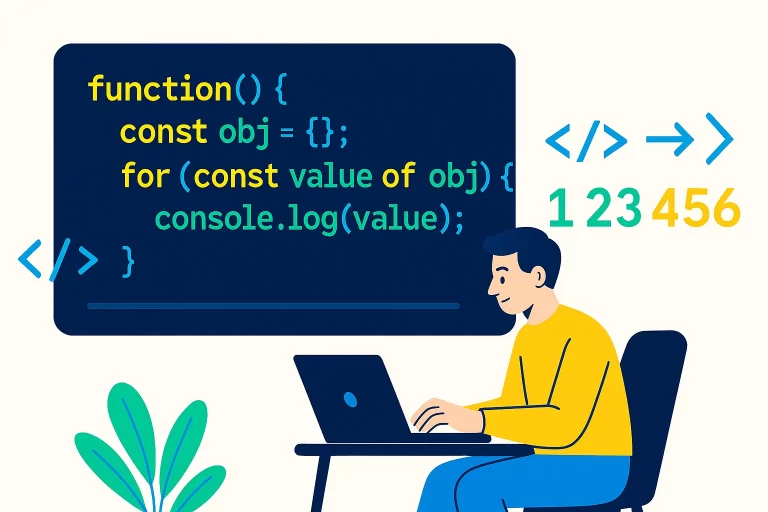
But regular objects are not iterable by default:
const obj = { start: 10, end: 15 };
for (const i of obj) { // TypeError: obj is not iterable
    console.log(i);
}
Understanding the Iterator Protocol
To make an object iterable, it must implement the Symbol.iterator method. This method must return an object with a next() method, which in turn returns an object with two properties:
value: The current value in the iterationdone: A boolean indicating whether the iteration is complete
Let’s examine how arrays implement this protocol:
const arr = [4, 5, 6, 7];
const it = arr[Symbol.iterator]();

console.log(it.next()); // { value: 4, done: false }
console.log(it.next()); // { value: 5, done: false }
console.log(it.next()); // { value: 6, done: false }
console.log(it.next()); // { value: 7, done: false }
console.log(it.next()); // { value: undefined, done: true }
Making Objects Iterable
Now let’s make a regular object iterable. Suppose we have an object with start and end properties, and we want to iterate from start to end:
const obj = {
    start: 10,
    end: 15,

    [Symbol.iterator]() {
        let current = this.start;
        const end = this.end;

        return {
            next() {
                if (current <= end) {
                    return { value: current++, done: false };
                } else {
                    return { done: true };
                }
            }
        };
    }
};

for (const num of obj) {
    console.log(num); // Output: 10, 11, 12, 13, 14, 15
}
Alternative Implementation
You can also implement the iterator by having the object return itself as the iterator and defining the next() method directly on the object:
const obj = {
    start: 10,
    end: 15,

    [Symbol.iterator]() {
        this.current = this.start;
        return this;
    },

    next() {
        if (this.current <= this.end) {
            return { value: this.current++, done: false };
        } else {
            return { done: true };
        }
    }
};

for (const num of obj) {
    console.log(num); // Output: 10, 11, 12, 13, 14, 15
}
Frequently Asked Questions
Q1: What is the purpose of an iterator?
The purpose of an iterator is to provide a standardized way to access elements from any data structure sequentially. While built-in collections like arrays, strings, maps, and sets are already iterable, you might need to make custom data structures iterable so they can work with for...of loops and other JavaScript features that consume iterables.
Q2: How do you create an iterator?
To create an iterator, you need to implement the Symbol.iterator method on an object. This method should return an object with a next() method. The next() method should return an object with two properties: value (the current value) and done (a boolean indicating if iteration is complete).
Q3: What is a practical use case for custom iterators?
Custom iterators are particularly useful when you create your own data structures that need to be consumed by other code. For example, if you create a custom collection class (like a linked list, tree, or graph), implementing the iterator protocol allows other developers to use for...of loops with your data structure, making it more intuitive and consistent with JavaScript’s built-in collections.
Conclusion
JavaScript’s iterator protocol is a powerful feature introduced in ES6 that enables consistent iteration across different data structures. By implementing Symbol.iterator and the next() method, you can make any object iterable and compatible with for...of loops, the spread operator, and other language features that work with iterables.
While the practical need for custom iterators might not be obvious in everyday coding, they become essential when creating custom data structures or libraries that need to provide a consistent iteration interface to consumers.