Google Shopping Campaign Targeting Simple Settings for Maximum Results
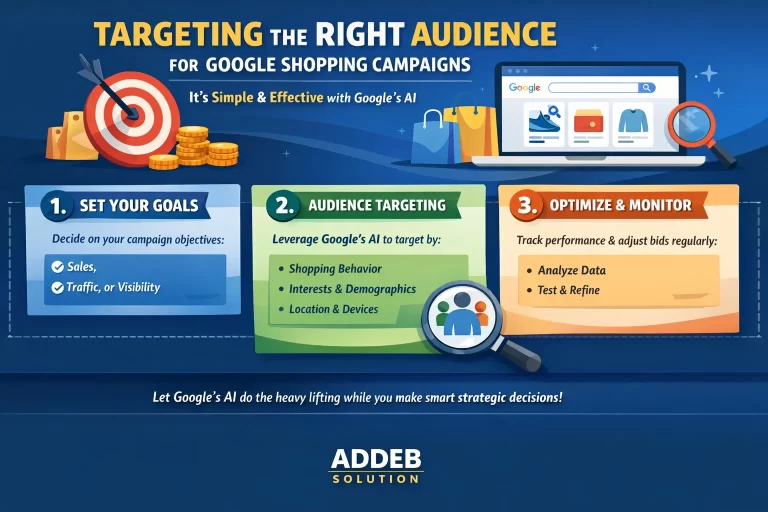
Targeting the right audience is crucial for Google Shopping campaign success, but here’s the good news: it’s remarkably simple. At Addeb Solution, we’ve found that Google’s AI handles most targeting automatically, leaving you with just a few strategic decisions to make. This guide walks you through the essential targeting options and best practices for optimal campaign performance.
Understanding Shopping Campaign Networks
When setting up your campaign, you’ll encounter network selection options that determine where your ads appear.
Google Search Network
The search network is Google’s search engine—the primary platform where you want your product ads to appear. This is enabled by default and represents your main advertising channel. Your goal is to rank at the top of Google search results with your shopping ads, and this network makes that possible.
Google Search Partners: The Great Debate
Below the search network option, you’ll see “Include Google Search Partners.” This setting is controversial among advertisers, with strong advocates on both sides.
Google Search Partners includes YouTube (owned by Google) and various third-party websites partnered with Google. When enabled, your ads can appear on these partner sites, but you won’t know exactly where or when. This lack of transparency makes some advertisers uncomfortable.
The Performance Reality: Click-through rates on search partner sites are typically lower than on Google’s search engine. However, these placements can still generate profitable conversions.
Addeb Solution’s Recommendation: If you’re targeting the United States, enable Google Search Partners. US audiences on partner sites tend to perform well. If targeting other countries, disable this option. The good news is that poor performance on search partner sites won’t negatively impact your ad relevance or ranking on Google’s main search engine. Consider it a bonus opportunity that might or might not work.
Device Targeting: Keep It Simple
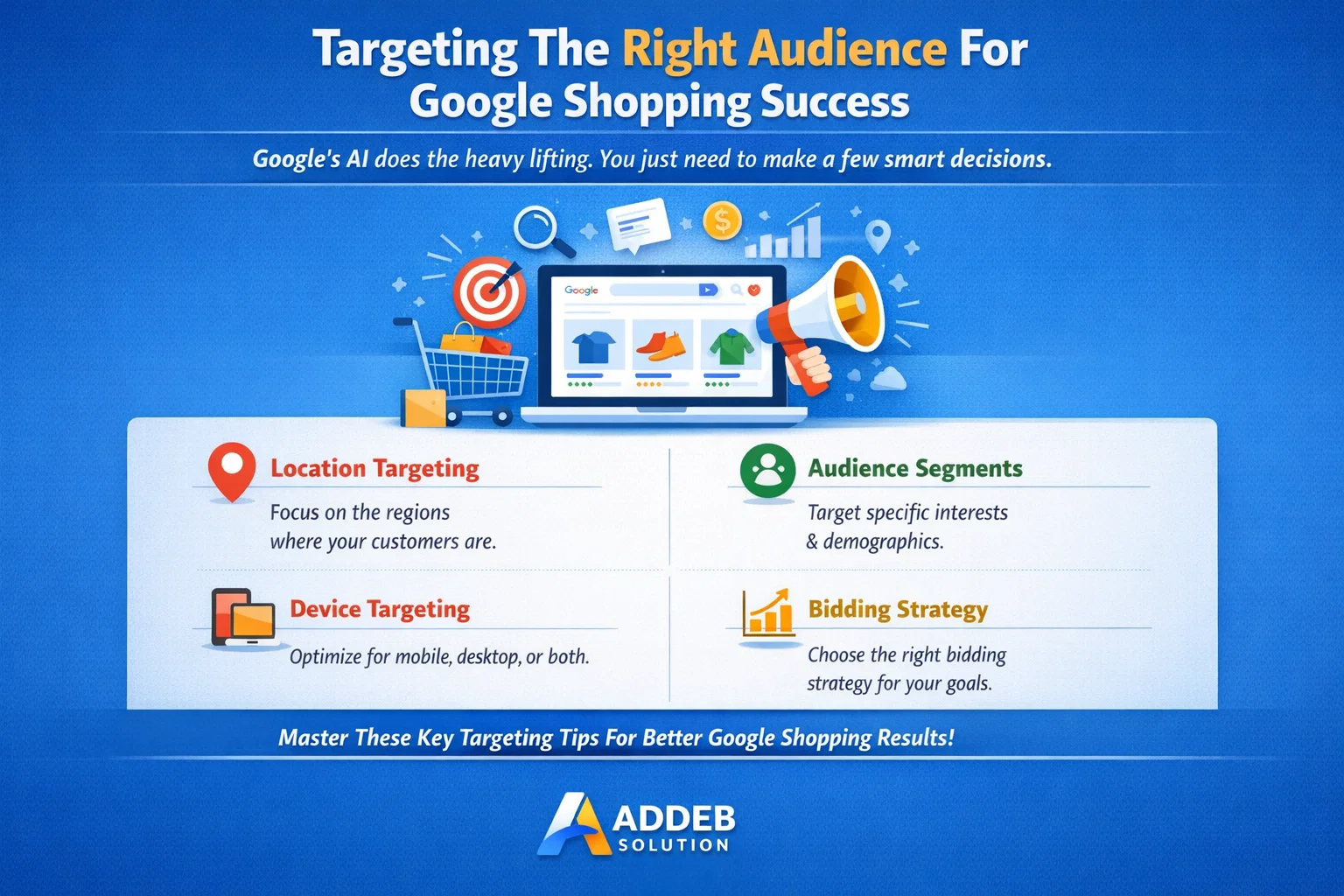
By default, Google targets all devices—computers, tablets, and smartphones. This is the recommended approach. Leave this setting as-is to maximize your reach across all device types.
Location Targeting: Your Most Important Decision
Location targeting is the primary manual targeting option you’ll configure, and it significantly impacts campaign performance.
Setting Your Target Country
You have three options: target all countries and territories, target where you’re currently located, or enter specific countries manually. For most campaigns, entering specific countries provides the best control.
To target the United States, click “Enter another location” and type “United States.” You’ll see options to target the country, exclude regions, or include nearby territories. For focused campaigns, select only your primary target country.
Targeting English-Speaking Markets: If you want broader reach across English-speaking countries, add Scotland, Ireland, New Zealand, Australia, Canada, and the UK alongside the US. This approach works well for products with universal appeal and international shipping capabilities.
The Critical Location Options Setting
This setting is crucial yet often overlooked. Navigate to “Location options” and change the default from “Presence or interest” to “Presence” only.
Understanding the Difference: “Presence or interest” targets people physically located in your target country OR people interested in that country from anywhere. For example, someone in Europe researching a US vacation would see your ads even though they can’t receive your products.
“Presence” targets only people physically located in your selected country. This ensures your ads reach actual potential customers who can complete purchases, not international researchers or travelers planning future trips.
Addeb Solution strongly recommends using “Presence” only for more qualified traffic and better conversion rates.
Start and End Dates: When to Use Them
Google allows you to set campaign start and end dates, but most campaigns shouldn’t use these features.
Skip dates for standard campaigns. If your campaign becomes profitable, you’ll want it to run indefinitely. There’s no reason to artificially stop a money-making campaign.
Use dates for specific scenarios like Black Friday campaigns, Christmas promotions, limited-time product launches, or seasonal product availability. Even then, if performance exceeds expectations, consider extending the campaign manually rather than letting it auto-stop.
The flexibility to let profitable campaigns run indefinitely typically outweighs the convenience of preset end dates.
Naming Your Ad Group
Ad group naming helps you organize campaigns, especially important for multi-product stores. If you have multiple products, name your ad group according to its subcategory (e.g., “Master Series Keyboards” or “Ergo Mice”).
For single-product campaigns or small niches with few products, naming is less critical. However, descriptive names like “Massage Gloves” help you quickly identify campaigns in your dashboard as your account grows.
Creating Your Campaign and the Approval Process
After configuring targeting settings, click “Create Campaign.” If your products haven’t been approved in Google Merchant Center yet, you’ll see a notification. This is normal—it’s simply a waiting game while Google reviews your products.
Check your Merchant Center regularly for notifications about product issues. Address any flagged problems promptly to avoid approval delays.
If you don’t see the notification and land directly in your campaign dashboard, congratulations—your products are approved and your campaign is ready to launch.
Understanding the Review and Learning Process
Once created, your campaign undergoes several phases. First, Google reviews your campaign settings and ads, which typically takes a few hours to a day. Then begins the learning phase, lasting several days, during which Google’s algorithm learns optimal budget pacing, identifies your target audience characteristics, and determines the best times and placements for your ads.
During this learning phase, performance may seem inconsistent. This is normal. The algorithm is gathering data and refining its approach. Avoid making changes during this period—let the system learn undisturbed.
What Comes Next
With targeting configured and your campaign created, you’re well on your way to Google Shopping success. However, understanding product segmentation—how to organize products for optimal performance—remains crucial for long-term profitability, especially for multi-product stores.
At Addeb Solution, we’ve seen proper targeting and segmentation transform campaign results. These foundational decisions impact everything from cost efficiency to conversion rates, making them worth careful consideration during setup.