DOM Query Selector in JavaScript: Complete Guide
Introduction to Query Selectors
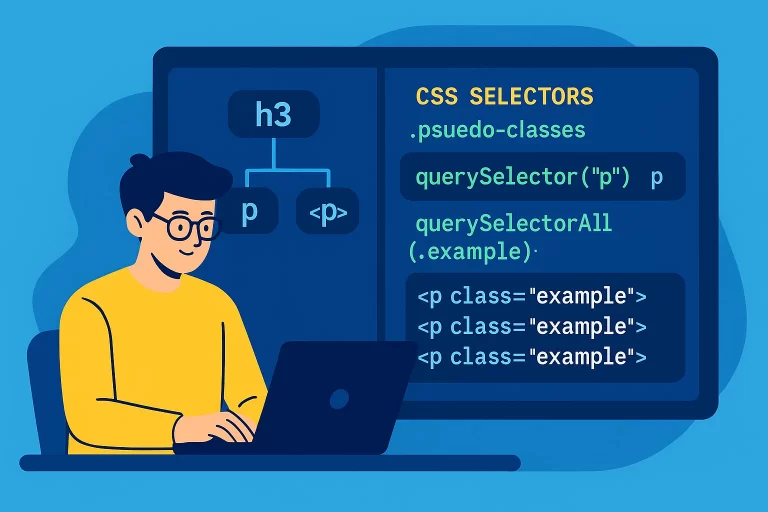
The querySelector and querySelectorAll methods allow you to select DOM elements using CSS selectors, providing a powerful and flexible way to target elements based on IDs, classes, tags, or even pseudo-classes.
Key Point: querySelector returns the first matching element, while querySelectorAll returns a NodeList of all matching elements.
querySelector
The querySelector method returns the first element that matches the specified CSS selector. It searches the entire document unless called on a specific element.
querySelector Example
<!-- HTML -->
<div>
    <p class="example">Paragraph 1</p>
    <h3 class="example">Heading 3</h3>
    <button onclick="selectElement()">Select</button>
</div>

function selectElement() {
    const element = document.querySelector('.example');
    console.log(element); // Logs first element with class 'example' (p)
}
This selects the first element with the class example.
Try querySelector
Paragraph 1
Heading 3
querySelectorAll
The querySelectorAll method returns a NodeList of all elements matching the specified CSS selector.
querySelectorAll Example
<!-- HTML -->
<div>
    <p class="example">Paragraph 1</p>
    <h3 class="example">Heading 3</h3>
    <button onclick="selectAllElements()">Select All</button>
</div>

function selectAllElements() {
    const elements = document.querySelectorAll('.example');
    console.log(elements); // Logs NodeList of elements with class 'example'
}
This selects all elements with the class example.
Try querySelectorAll
Paragraph 1
Heading 3
Using Pseudo-Classes
Both querySelector and querySelectorAll support CSS pseudo-classes, such as :hover, to select elements based on their state.
Pseudo-Class Example
<!-- HTML -->
<style>
    p:hover { color: blue; }
</style>
<p>Hover over me</p>
<button onclick="selectHover()">Select Hover</button>

function selectHover() {
    const hovered = document.querySelector('p:hover');
    if (hovered) {
        console.log('Hovered element:', hovered);
    } else {
        console.log('No element is currently hovered');
    }
}
This selects the p element if it is being hovered over when the button is clicked.
querySelector vs getElement Methods
Comparison Table
| Method | Returns | Selector Type | Browser Support |
|---|---|---|---|
getElementById |
Single element | ID | All browsers |
getElementsByTagName |
HTMLCollection | Tag name | All browsers |
getElementsByClassName |
HTMLCollection | Class name | All browsers |
querySelector |
Single element | CSS selector | IE8+ |
querySelectorAll |
NodeList | CSS selector | IE8+ |
Best Practices
- Use
getElementByIdfor faster performance when selecting by ID. - Use
querySelectorfor precise, single-element selection with complex selectors. - Use
querySelectorAllwhen you need multiple elements, but convert to an array if iteration is needed (e.g.,Array.from(elements)). - Be cautious with pseudo-classes like
:hover, as they depend on the element’s state. - Ensure browser compatibility for
querySelectorandquerySelectorAll(IE8+).