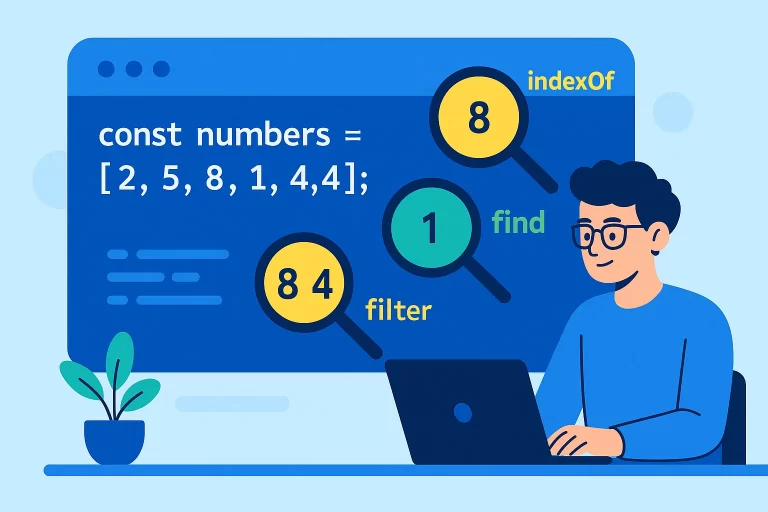
how do you search an array for a specific element Array Search Methods
Searching Elements in JavaScript Arrays
Searching for elements in arrays is a fundamental operation in JavaScript programming. JavaScript provides several methods to perform different types of search operations, from simple value lookups to complex conditional searches.
Key Point: Different search methods serve different purposes. Choose the right method based on whether you need the index, the value, a boolean result, or multiple matching elements.
Basic Search Methods
JavaScript provides three basic methods for simple value searches:
| Method | Description | Returns | Case Sensitive |
|---|---|---|---|
| indexOf() | Returns the first index of an element | Index number or -1 | Yes |
| lastIndexOf() | Returns the last index of an element | Index number or -1 | Yes |
| includes() | Checks if an element exists | Boolean (true/false) | Yes |
Basic Search Methods Example
let arr = [1, 3, 5, 3, 7, 1, 9, 3];

// indexOf - returns first index
console.log(arr.indexOf(3)); // 1
console.log(arr.indexOf(3, 2)); // 3 (start from index 2)
console.log(arr.indexOf('abc')); // -1 (not found)

// lastIndexOf - returns last index
console.log(arr.lastIndexOf(3)); // 7
console.log(arr.lastIndexOf(3, 5)); // 3 (search backward from index 5)

// includes - checks existence
console.log(arr.includes(7)); // true
console.log(arr.includes(10)); // false
Conditional Search Methods
For more complex searches based on conditions, JavaScript provides these methods:
| Method | Description | Returns | Stops After First Match |
|---|---|---|---|
| find() | Returns the first element that satisfies a condition | Element or undefined | Yes |
| findIndex() | Returns the index of the first element that satisfies a condition | Index number or -1 | Yes |
| filter() | Returns all elements that satisfy a condition | New array (possibly empty) | No |
Conditional Search Examples
let salaries = [1200, 4500, 2100, 3800, 5200, 2900];

// find - first salary greater than 3000
let firstHighSalary = salaries.find(salary => salary > 3000);
console.log(firstHighSalary); // 4500

// findIndex - index of first salary greater than 3000
let firstHighSalaryIndex = salaries.findIndex(salary => salary > 3000);
console.log(firstHighSalaryIndex); // 1

// filter - all salaries greater than 3000
let highSalaries = salaries.filter(salary => salary > 3000);
console.log(highSalaries); // [4500, 3800, 5200]

// No matches with find/findIndex
console.log(salaries.find(salary => salary > 10000)); // undefined
console.log(salaries.findIndex(salary => salary > 10000)); // -1

// No matches with filter
console.log(salaries.filter(salary => salary > 10000)); // [] (empty array)
find() vs filter() Comparison
| Feature | find() | filter() |
|---|---|---|
| Returns | First matching element | Array of all matching elements |
| When no match | undefined | Empty array [] |
| Search behavior | Stops after first match | Continues through entire array |
| Use case | Finding one specific item | Finding multiple items |
Callback Function Parameters
The conditional search methods (find, findIndex, filter) accept a callback function with these parameters:
Callback Function Syntax
array.find(function(element, index, array) {
  // return true if element matches condition
}, thisArg);- element: The current element being processed
- index: The index of the current element (optional)
- array: The array being traversed (optional)
- thisArg: Value to use as
thiswhen executing the callback (optional)
Using Callback Parameters
let numbers = [10, 20, 30, 40, 50];

// Using all callback parameters
let result = numbers.find(function(element, index, array) {
  console.log(`Checking element ${element} at index ${index}`);
  return element > 25 && index > 1;
});

console.log("Found:", result); // 30

// Arrow function syntax (more common)
let filtered = numbers.filter((num, idx) => num > 25 && idx % 2 === 0);
console.log(filtered); // [30, 50]
Common Questions Answered
What returns when element is not found?
let arr = [1, 2, 3, 4, 5];

console.log(arr.indexOf(10)); // -1
console.log(arr.lastIndexOf(10)); // -1
console.log(arr.includes(10)); // false
console.log(arr.find(x => x > 10)); // undefined
console.log(arr.findIndex(x => x > 10)); // -1
console.log(arr.filter(x => x > 10)); // []
Best Practices
- Use
includes()when you only need to check if an element exists - Use
indexOf()orlastIndexOf()when you need the position of an element - Use
find()when you need the first element that matches a condition - Use
filter()when you need all elements that match a condition - Remember that these methods are case-sensitive for strings
- For complex objects, you may need custom comparison functions
Featured Image Prompt
A modern flat-style illustration showing JavaScript array search methods with magnifying glasses examining array elements. Visualize different search methods (indexOf, find, filter) with clear indicators. Use bright tech colors (blue, green, orange) with a clean minimal design suitable for a programming blog banner.