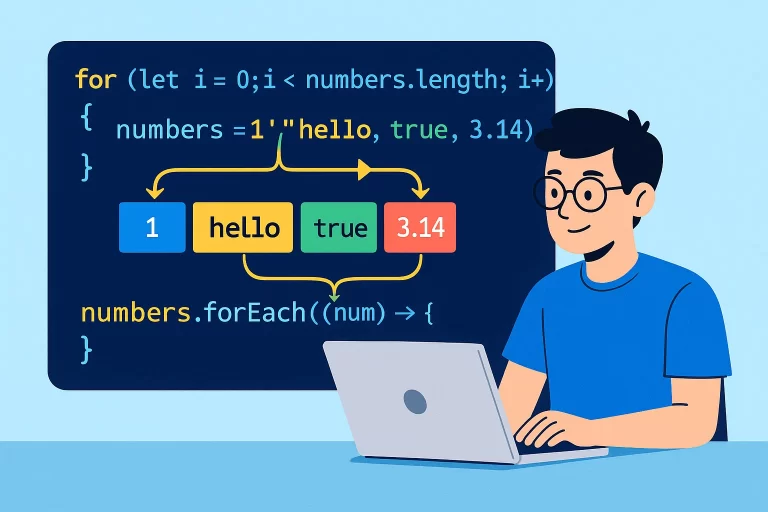
JavaScript Arrays: Creation, Access, and Traversal
What are JavaScript Arrays?
Arrays are special variables that can hold more than one value at a time. While a regular variable can store only a single value, arrays allow you to store multiple values under a single name, making it easier to organize and work with collections of data.
Key Point: JavaScript arrays can hold values of any type – strings, numbers, booleans, objects, and even other arrays. They are dynamic and can grow or shrink as needed.
Creating Arrays
There are two main ways to create arrays in JavaScript:
Array Literal Syntax (Recommended)
// Creating arrays using literal syntax
let numbers = [4, 7, 9];
let mixedArray = ["hello", true, 900];
let emptyArray = [];
Array Constructor Syntax
// Creating arrays using the Array constructor
let numbers = new Array(4, 7, 9);
let emptyArray = new Array();
Array Structure and Access
Arrays use a zero-based indexing system, where the first element is at index 0, the second at index 1, and so on. Each value in an array is called an element.
Accessing Array Elements
let fruits = ["apple", "banana", "orange"];

// Access elements by index
console.log(fruits[0]); // "apple" (first element)
console.log(fruits[1]); // "banana" (second element)
console.log(fruits[fruits.length - 1]); // "orange" (last element)

// Get array length
console.log(fruits.length); // 3
Arrays of Objects
Arrays can contain objects, which is useful for storing structured data:
Array of Objects Example
let products = [
  {
    productCode: 1,
    productName: "Apple"
  },
  {
    productCode: 2,
    productName: "Banana"
  },
  {
    productCode: 3,
    productName: "Orange"
  }
];

// Access object properties in array
console.log(products[0].productName); // "Apple"
console.log(products[1].productCode); // 2
Array Traversal Methods
Traversal means navigating through an array to access each element. JavaScript provides several ways to traverse arrays:
Traditional For Loop
let arr = ["es6", "es7", "es8"];

// Traditional for loop
for (let i = 0; i < arr.length; i++) {
  console.log(arr[i]); // Access each element by index
}
For…in Loop (Not Recommended for Arrays)
let arr = ["es6", "es7", "es8"];

// For...in loop returns index numbers
for (let index in arr) {
  console.log(index); // 0, 1, 2 (index numbers)
  console.log(arr[index]); // Access values using index
}
For…of Loop (Recommended)
let arr = ["es6", "es7", "es8"];

// For...of loop returns values directly
for (let element of arr) {
  console.log(element); // "es6", "es7", "es8" (values)
}
ForEach Method
let arr = ["es6", "es7", "es8"];

// forEach method with arrow function
arr.forEach((element, index) => {
  console.log(`Index ${index}: ${element}`);
});

// Output:
// Index 0: es6
// Index 1: es7
// Index 2: es8
For…in vs For…of Comparison
| Feature | For…in | For…of |
|---|---|---|
| Returns | Index numbers | Element values |
| Use with Arrays | Not recommended | Recommended |
| Performance | Slower | Faster |
| Best For | Object properties | Array values |
Important Considerations
- JavaScript arrays are zero-indexed (first element is at index 0)
- Use
array.lengthto get the number of elements - Access the last element with
array[array.length - 1] - Avoid using
for...inwith arrays – it returns indexes, not values forEach()cannot be stopped withbreak– use traditional loops if you need to break early- Accessing an out-of-bounds index returns
undefined
Common Pitfall: Out of Bounds Access
let arr = ["es6", "es7", "es8"];

// This will return undefined (no error)
console.log(arr[3]); // undefined - index 3 doesn't exist
console.log(arr[arr.length]); // undefined - length is 3, index 3 is out of bounds